Reddit Story Video
Narrate a story post you wrote or have rights to, with captionsa post → a videoOpens in Create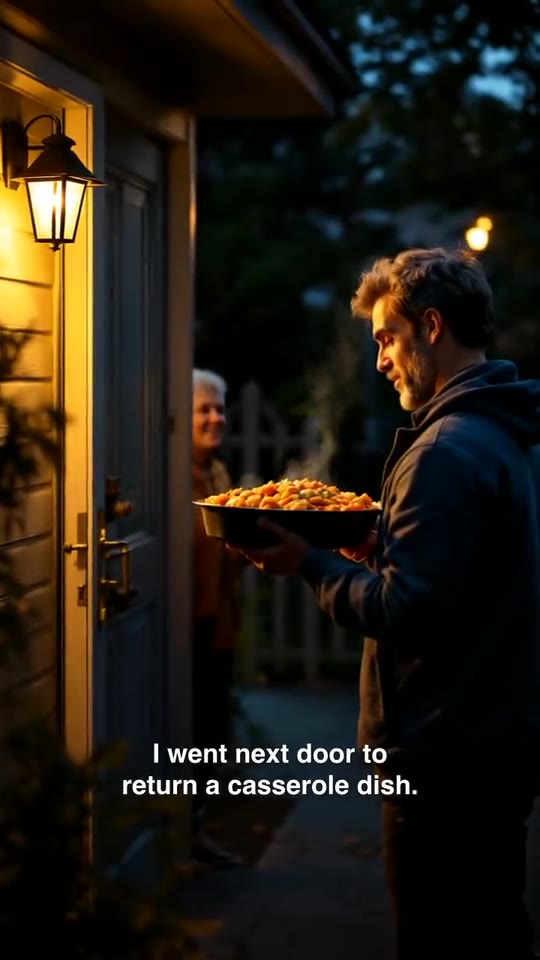 Sample
Social formats
Compare two options in four beats and ask viewers to pick
Works end to end today.
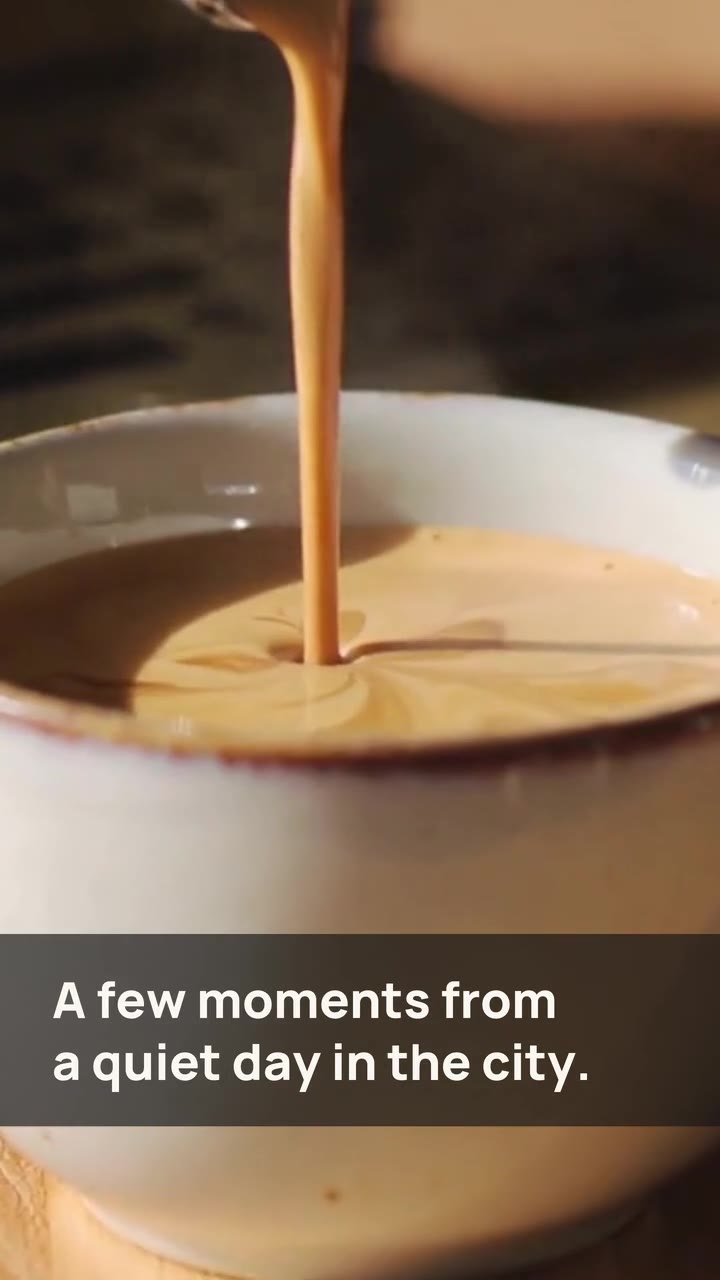
a slow coffee or a blue-hour ride
No credit card · $3 one-time starter credit
What it makes
Compare two options in four beats and ask viewers to pick. It opens as a timed storyboard with sample narration you replace.
How it works
Every tool feeds the same editor, so what you make here can be changed scene by scene.
The template brings a hook, timed beats and sample narration.
Replace the subject, lines and scene directions. Every beat stays editable.
Preview, check the cost estimate, then export a 9:16 MP4.
Example prompts
Examples of what to bring to this tool.
Tips for good results
Good to know
No. Template samples are hand-edited from original Loopline AI footage to show the format’s rhythm.
The beats keep their rhythm; you can edit every scene’s words and visuals.
Related tools
Sample Sample
 Sample
 Sample
 Sample
 Sample
 Sample
 Sample