Prompt to Video
Describe a video and get a scripted, voiced, captioned storyboarda prompt → a videoOpens in Create Sample
Faceless & voiceover
Explain one idea in three beats with clear visuals
Opens Create with your choices filled in. Render with free preview quality or a configured video model.
What it makes
Explain one idea in three clear beats with simple visuals. Create writes it as an editable storyboard, with narration and a visual direction for each scene, and you change anything before it renders.
How it works
Every tool feeds the same editor, so what you make here can be changed scene by scene.
Start from the example or write your own idea. A pasted script works too.
Create splits it into timed scenes with narration and visual direction. Change any line before rendering.
Preview quality is free. With an AI quality setting, Create shows the model and an estimated cost before anything runs. Export an MP4.
Example prompts
Pick one to load it into the form above, then change it to fit your idea.
Tips for good results
Good to know
Preview quality uses built-in illustrations and a preview voice and isn’t charged. Before a render with an AI video model, Create shows the model and an estimated cost.
No. Samples are labelled with how they were made. Your video comes from the storyboard you edit and the model you choose.
Yes. The idea, every scene’s narration and visual direction, the voice and the music are editable before you render.
You do. Use footage, music and quotes you own or have permission to use.
Related tools
Sample Sample
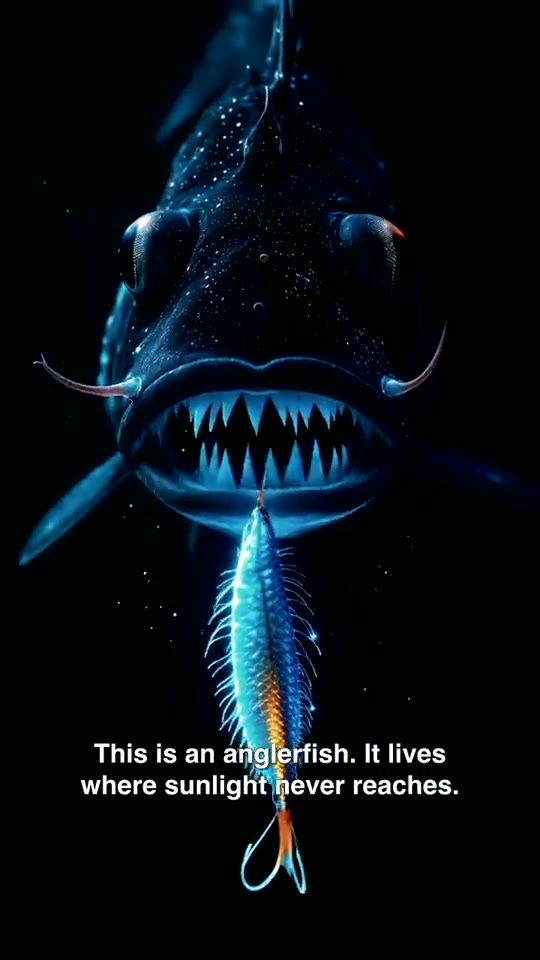 Sample
 Sample
 Sample
 Sample
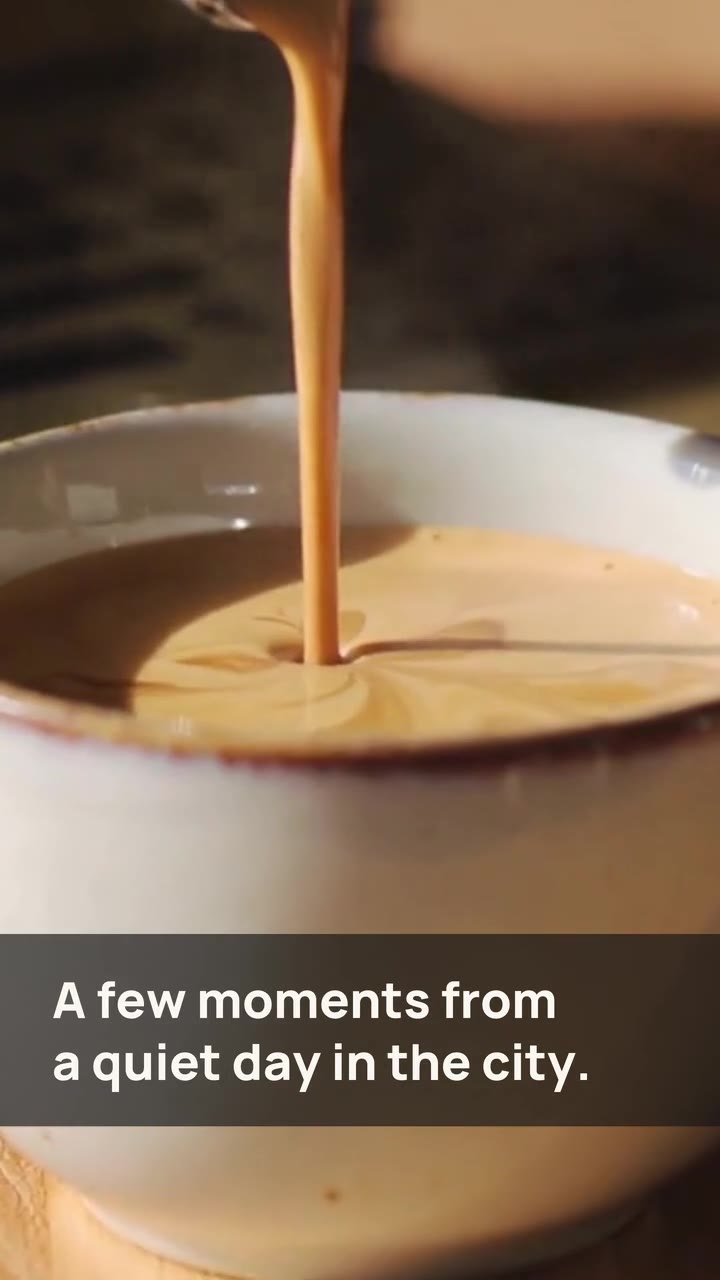 Sample
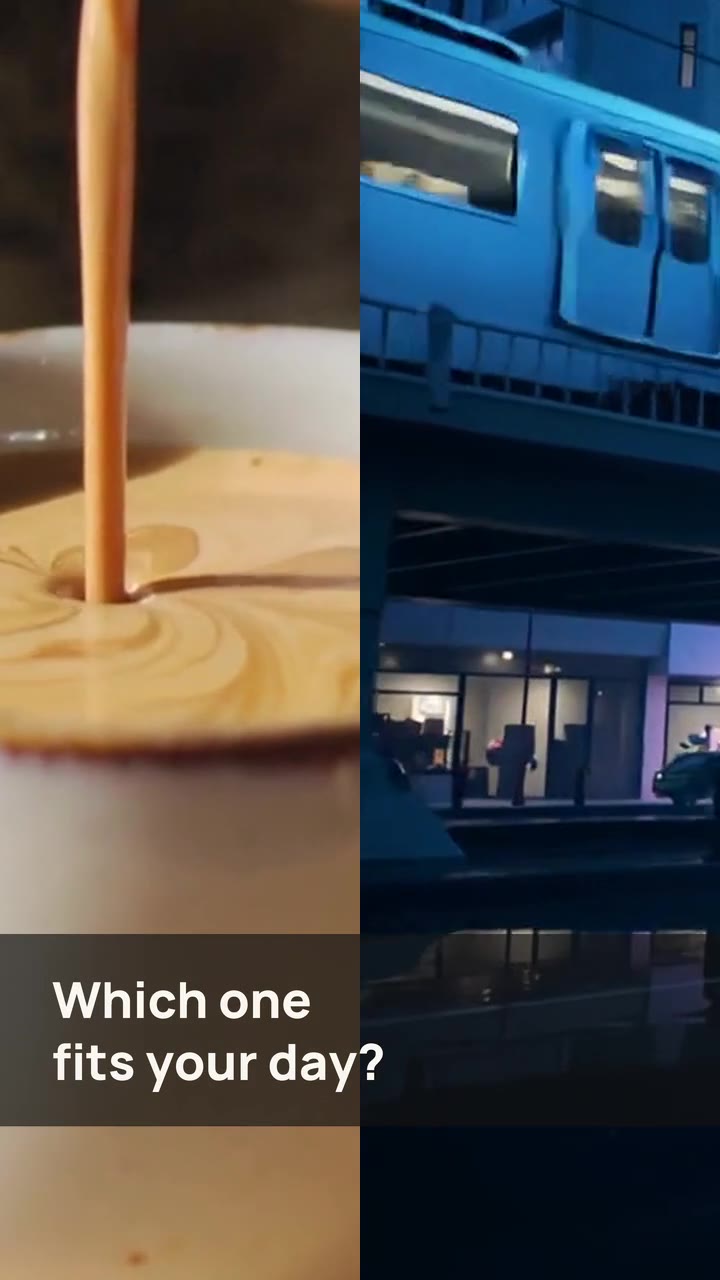 Sample
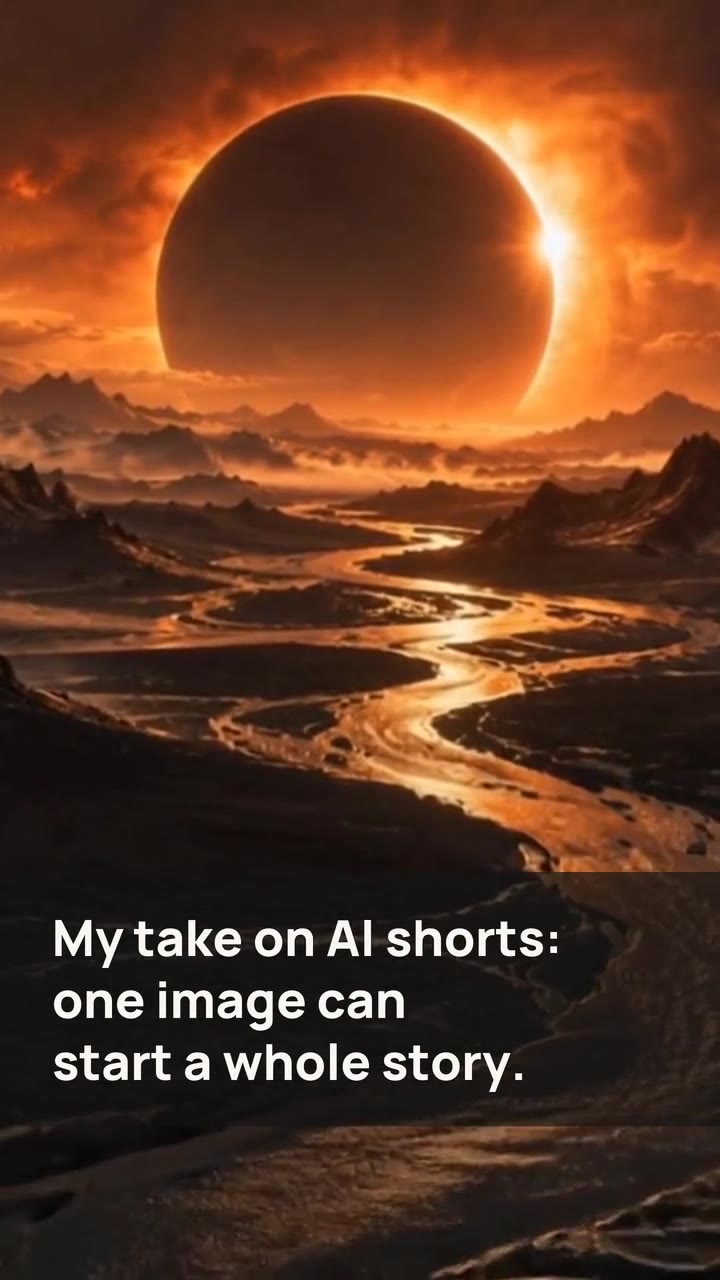 Sample