Photo Story
Turn a set of moments into a narrated memory videomoments → a storyOpens in Create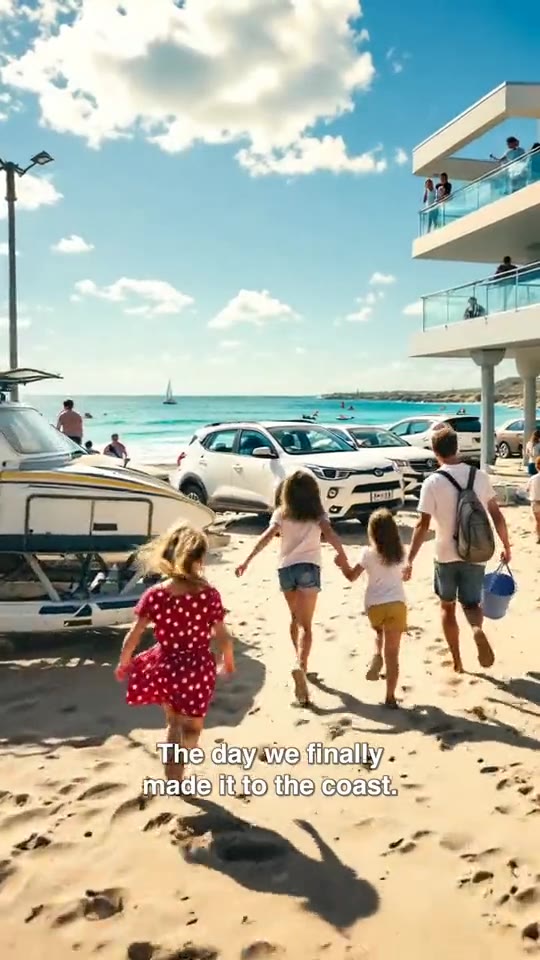 Sample
Image & effects
Generate a character or scene still to use in a video
Works end to end today.
A cosy reading nook in a treehouse, soft morning light, 9:16
No credit card · $3 one-time starter credit
Recipe
a prompt → an image
No sample video for this tool yet, so we show the recipe instead of borrowing someone else’s footage.
What it makes
Generate a character or scene still in the Avatars workspace to use as a reference in your videos. It works today in your Loopline workspace.
How it works
Every tool feeds the same editor, so what you make here can be changed scene by scene.
Sign in and open the tool in Create.
Describe what you want; costs show before any paid generation.
Bring the result into your storyboards.
Example prompts
Examples of what to bring to this tool.
Tips for good results
Good to know
No. Nothing renders or posts without your confirmation.
Related tools
Sample Sample
 Sample
 Product screen
 Sample
 Sample
 Sample
 Sample