Share Links & Post Copy
A share page plus platform-ready titles and captions for every exporta clip → a postLive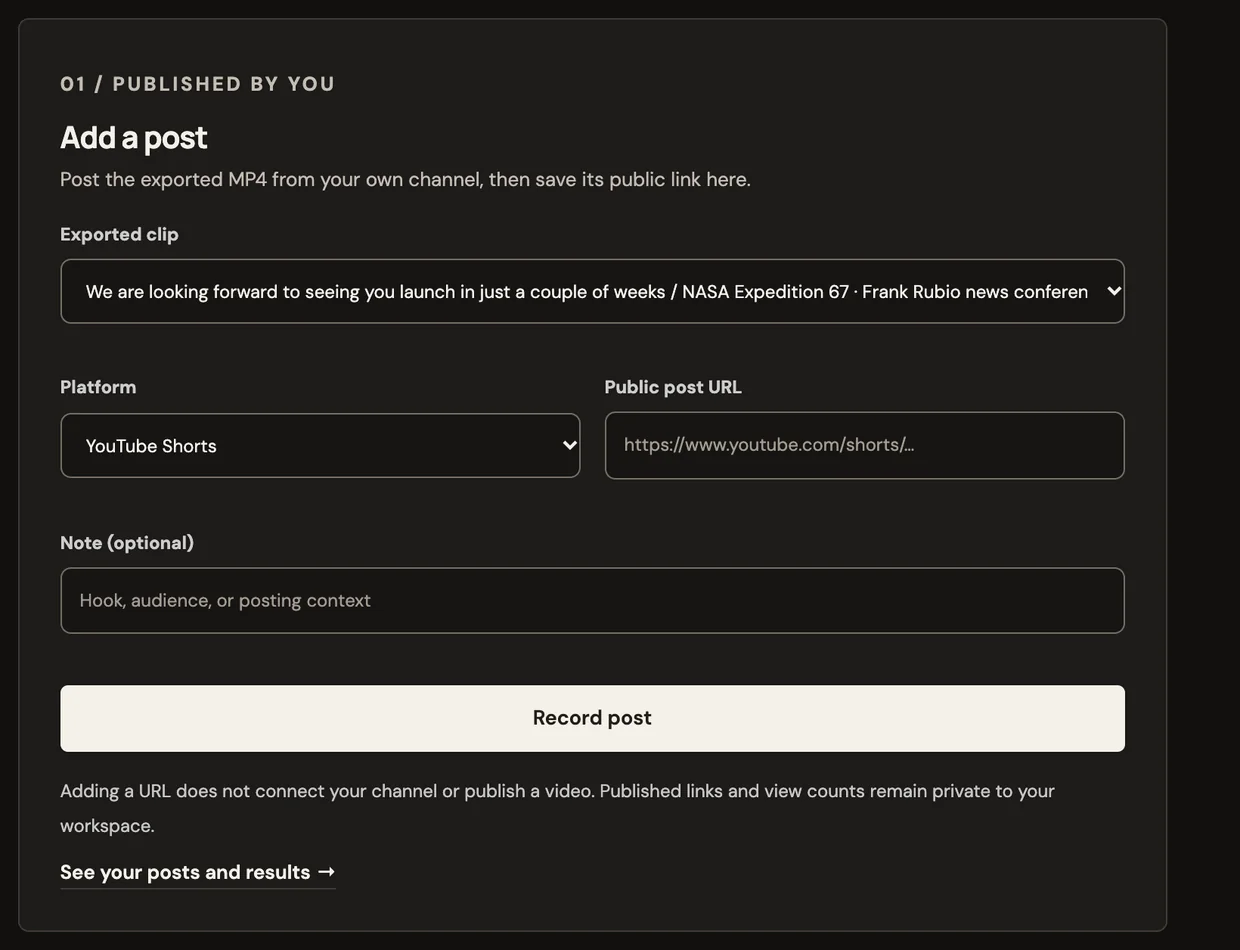 Product screen
Publish & automation
Log posts and compare them to your own channel's baseline
Works end to end today.
Log last week's three posts
No credit card · $3 one-time starter credit
Recipe
posts → results
No sample video for this tool yet, so we show the recipe instead of borrowing someone else’s footage.
What it makes
Log where and when you posted, and compare posts with your own channel’s baseline once you have enough of them.
How it works
Every tool feeds the same editor, so what you make here can be changed scene by scene.
Finish a short in Clip or Create.
Create a share link, copy platform-ready titles and captions, and log where you posted.
Compare posts with your own channel’s baseline once there are enough.
Example prompts
Examples of what to bring to this tool.
Tips for good results
Good to know
Not yet. Connected scheduling is awaiting platform approval; you post from your own accounts.
Related tools
Product screen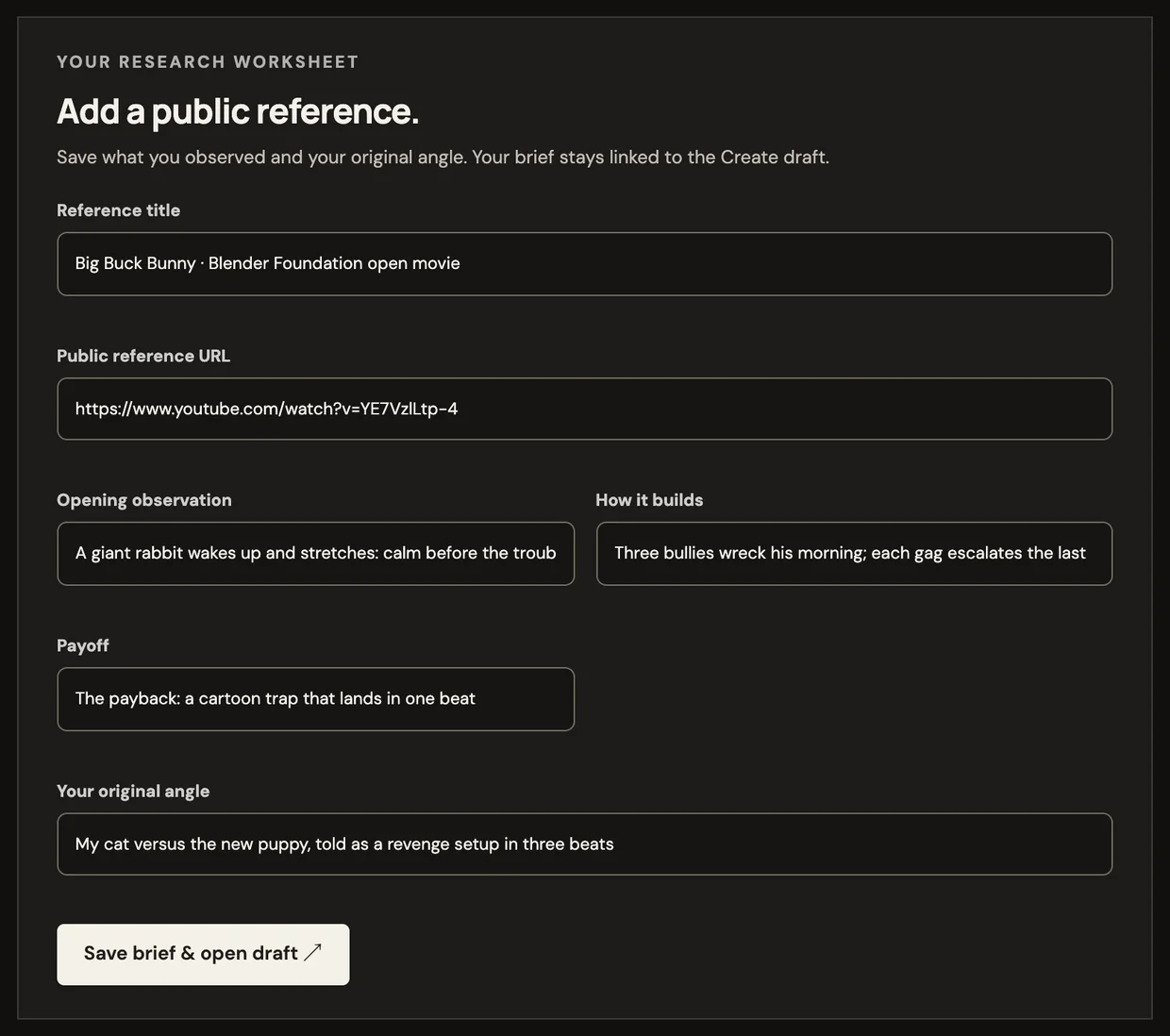 Product screen
 Sample
 Sample
 Sample
 Sample
 Sample