Add Captions
Word-highlighted captions with preset stylesa clip → captioned clipLive Sample
Editing & captions
Cleared library music with automatic ducking under speech
Works end to end today.
A talking clip that needs a quiet bed
No credit card · $3 one-time starter credit
Recipe
a clip + a track → a mix
No sample video for this tool yet, so we show the recipe instead of borrowing someone else’s footage.
What it makes
Add a library music bed that ducks automatically under speech. It works today in your Loopline workspace.
How it works
Every tool feeds the same editor, so what you make here can be changed scene by scene.
Paste a YouTube link or upload a long video you have the rights to.
Clip ranks self-contained moments and explains each pick.
Adjust in and out points, reframe to 9:16, style captions and add music, then export an MP4.
Example prompts
Examples of what to bring to this tool.
Tips for good results
Good to know
Videos you own or have permission to use: your uploads or a YouTube link to your own content.
No. Ranks describe editorial structure in your footage, not a forecast of views.
Connected publishing is built and awaiting platform approval. Today you download or share the MP4 and post from your own account.
Related tools
Sample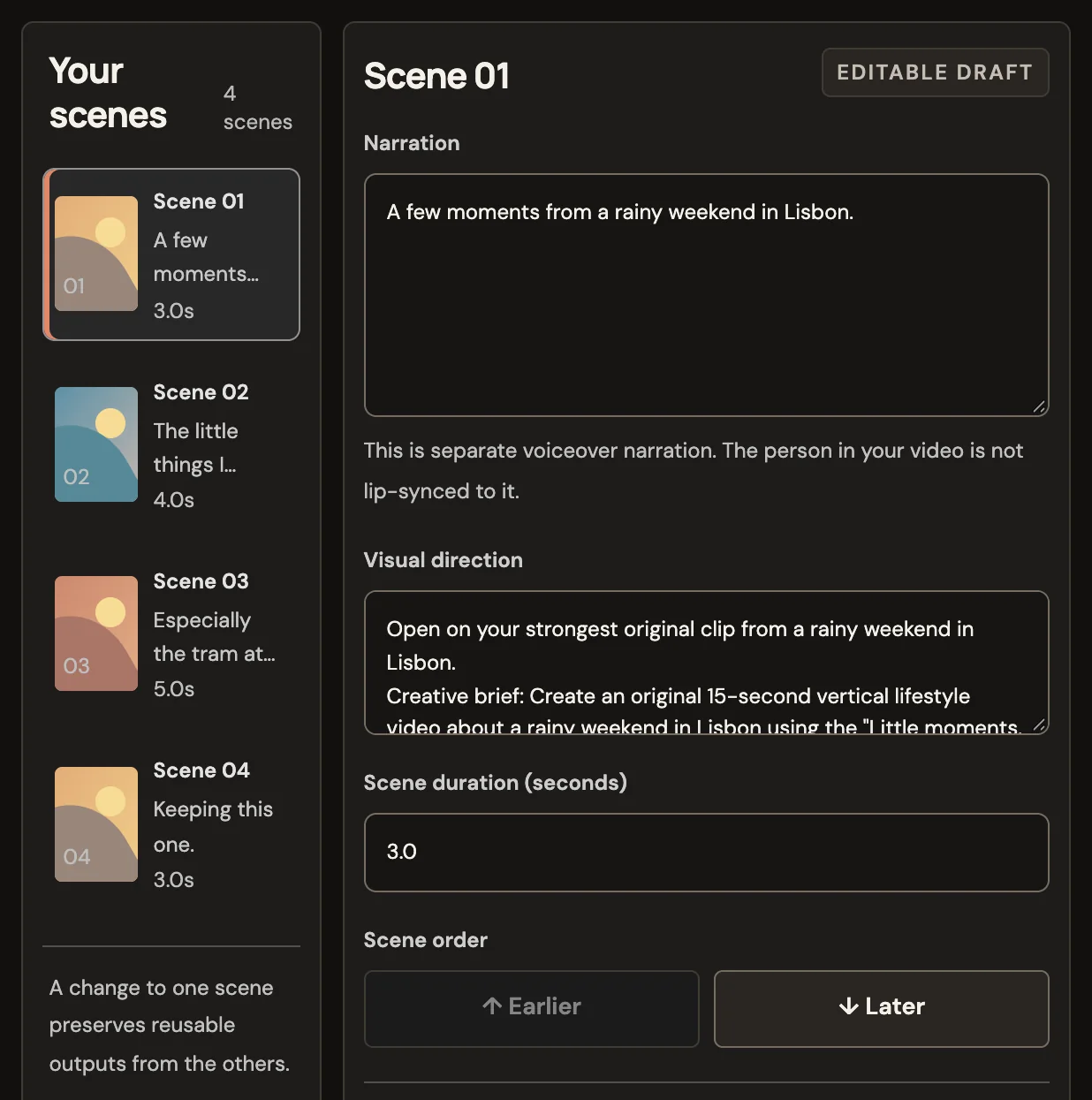 Product screen
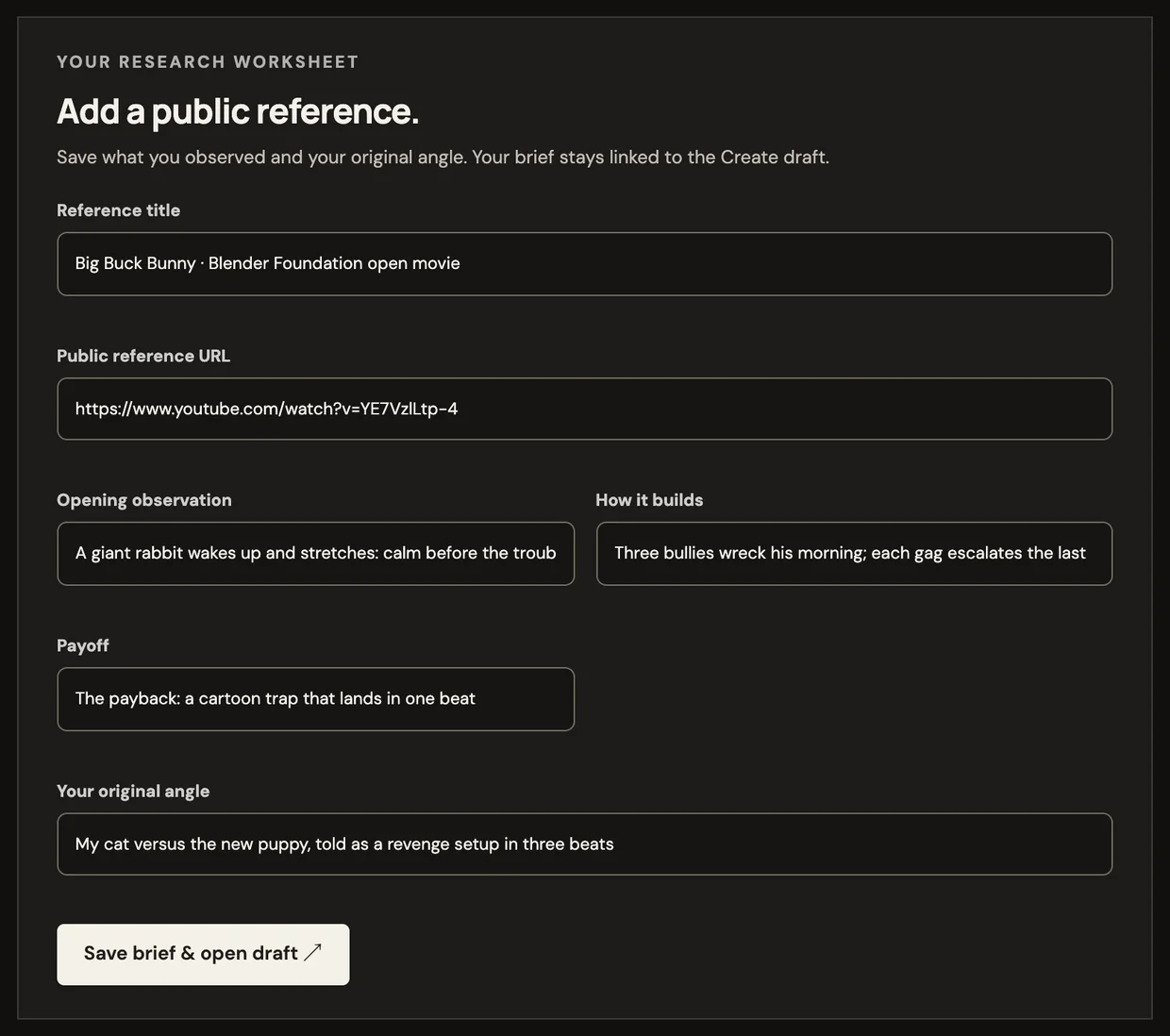 Product screen
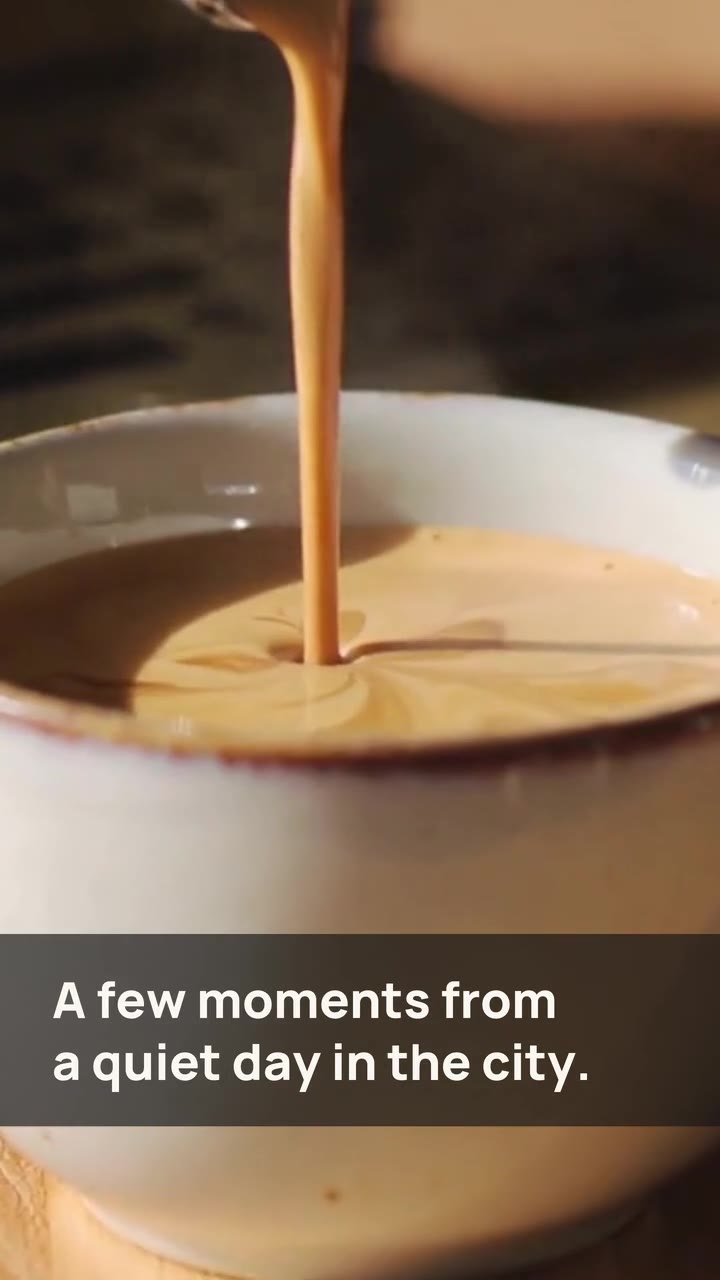 Sample
 Sample
 Sample